Categories
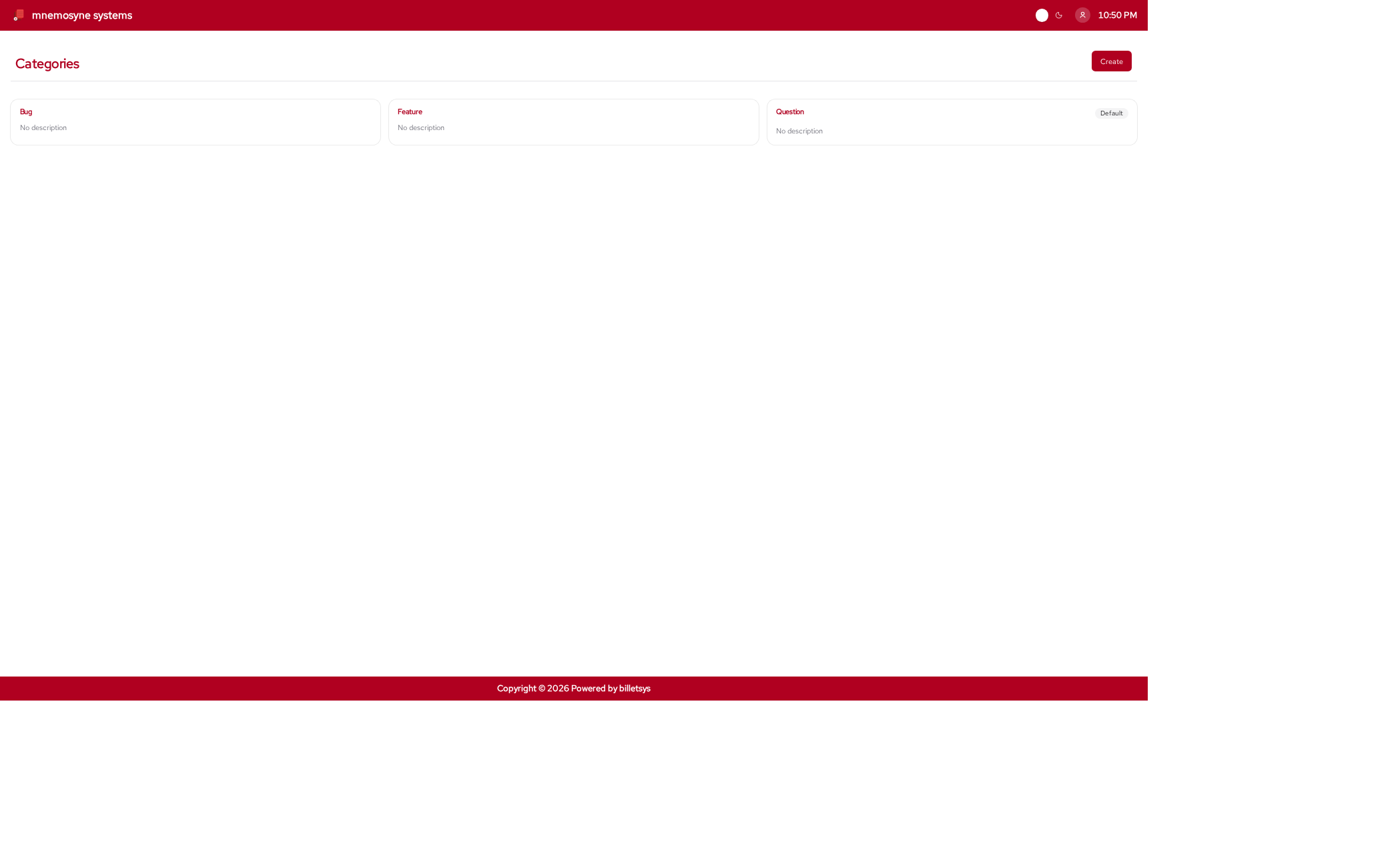
The Categories feature helps billetsys classify tickets by the kind of issue they represent.
Purpose
Not all tickets mean the same thing. Categories give structure to incoming work by labeling tickets in a way that helps users and support staff understand what kind of case they are looking at.
This makes categories useful for both day-to-day handling and later reporting.
Ticket classification
When a ticket is assigned to a category, that category becomes part of the case context. It helps make the ticket easier to understand and easier to compare with similar work.
Categories can be used to reflect common kinds of support activity, such as:
- Product issues
- Usage questions
- Setup problems
- Requests
- Follow-up work
The exact meaning depends on how billetsys is configured for the organization.
Default behavior
Categories are also useful because they provide a default classification model for tickets. This helps keep ticket creation consistent even when users do not actively think about classification at the moment they report an issue.
Operational value
Over time, categories help teams answer questions such as:
- What kinds of issues are arriving most often
- Which work types take the most effort
- How support demand is distributed
This means categories are not just labels on individual tickets. They also support better analysis and planning.
Description and context
In addition to a name, categories can carry richer descriptive context. This makes them useful as maintained reference items rather than simple tags.
That context can help administrators keep the classification system understandable as the support operation grows.
Categories can include attachments. This makes it possible to keep supporting examples, templates, or reference files directly on the category definition.
Keyboard shortcuts
Like all paginated list views in the application, the categories list
supports keyboard shortcuts for quick navigation. You can use
Alt+1 through Alt+0 to open items in the
currently visible list.
On the category form page, the following shortcuts are available to
jump directly to specific fields (and open dropdowns automatically): *
Alt+1: Jump to Name * Alt+2: Jump to
Default
These shortcuts work universally. See the Navigation chapter for more details.
Role perspective
Categories are mostly maintained by administrative roles, but they affect many other parts of the application. Users, support staff, TAMs, and superusers all benefit from clearer ticket classification even if they are not the ones managing the category definitions directly.