Levels
The Levels feature defines support tiers and service expectations that can be used throughout billetsys.
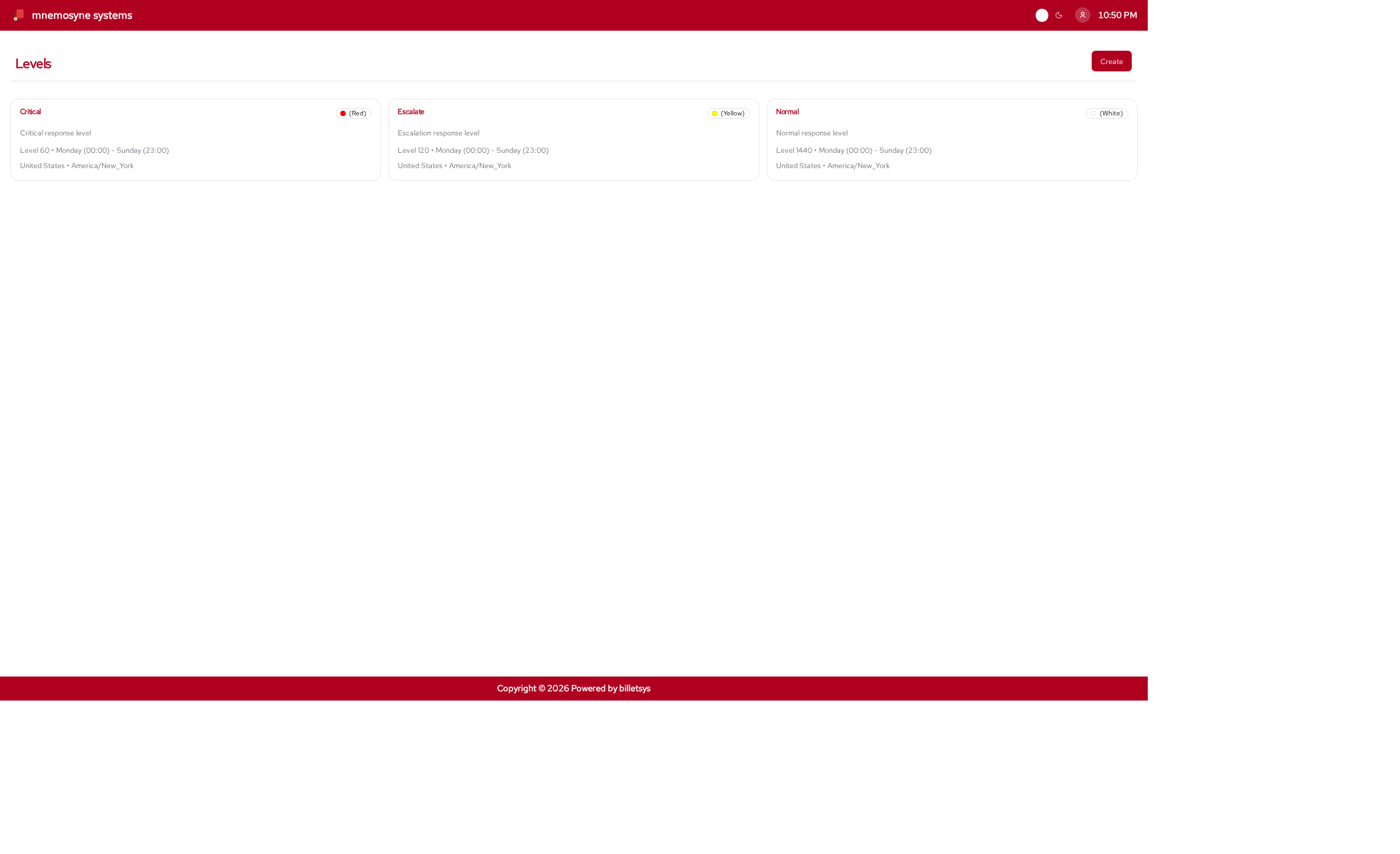
Purpose
Not every support relationship operates under the same urgency or time expectations. Levels provide a structured way to describe those differences.
This makes it possible for billetsys to represent support context with more precision than a ticket status alone can provide.
Service tiers
Levels are used to express support priority and service structure. They help describe how a support offering should be understood in practice.
Typical distinctions might include:
- Higher-priority support
- Standard support
- Escalation-oriented handling
- Region-specific or time-specific coverage
The exact meaning depends on how the organization configures the system.
Time window context
Levels are also important because they can reflect support windows rather than only labels. This gives billetsys a way to represent service expectations in relation to time, schedule, and operational coverage.
That makes the feature useful for organizations that need more than a single generic support definition.
Visual clarity
Levels can also help with visibility in the interface. A clear level model makes it easier for users and support teams to understand the service context attached to a company or ticket-related workflow.
Connection to entitlements
Levels do not usually stand alone. They work together with entitlements to define how support is offered and understood for a customer.
This relationship makes levels an important part of the broader service model behind billetsys.
Operational value
Over time, levels help teams answer questions such as:
- What service tier applies here
- How urgent the support context is
- How service expectations differ across customers
This makes the levels feature an important part of making support handling more structured and transparent.
Keyboard shortcuts
Like all paginated list views in the application, the levels list
supports keyboard shortcuts for quick navigation. You can use
Alt+1 through Alt+0 to open items in the
currently visible list.
On the level form page, the following shortcuts are available to jump
directly to specific fields (and open dropdowns automatically): *
Alt+1: Jump to Name * Alt+2: Jump to Level *
Alt+3: Jump to Color * Alt+4: Jump to Country
* Alt+5: Jump to From day * Alt+6: Jump to To
day
These shortcuts work universally. See the Navigation chapter for more details.