Entitlements
The Entitlements feature represents the service relationship that connects a company to the support offering it has in billetsys.
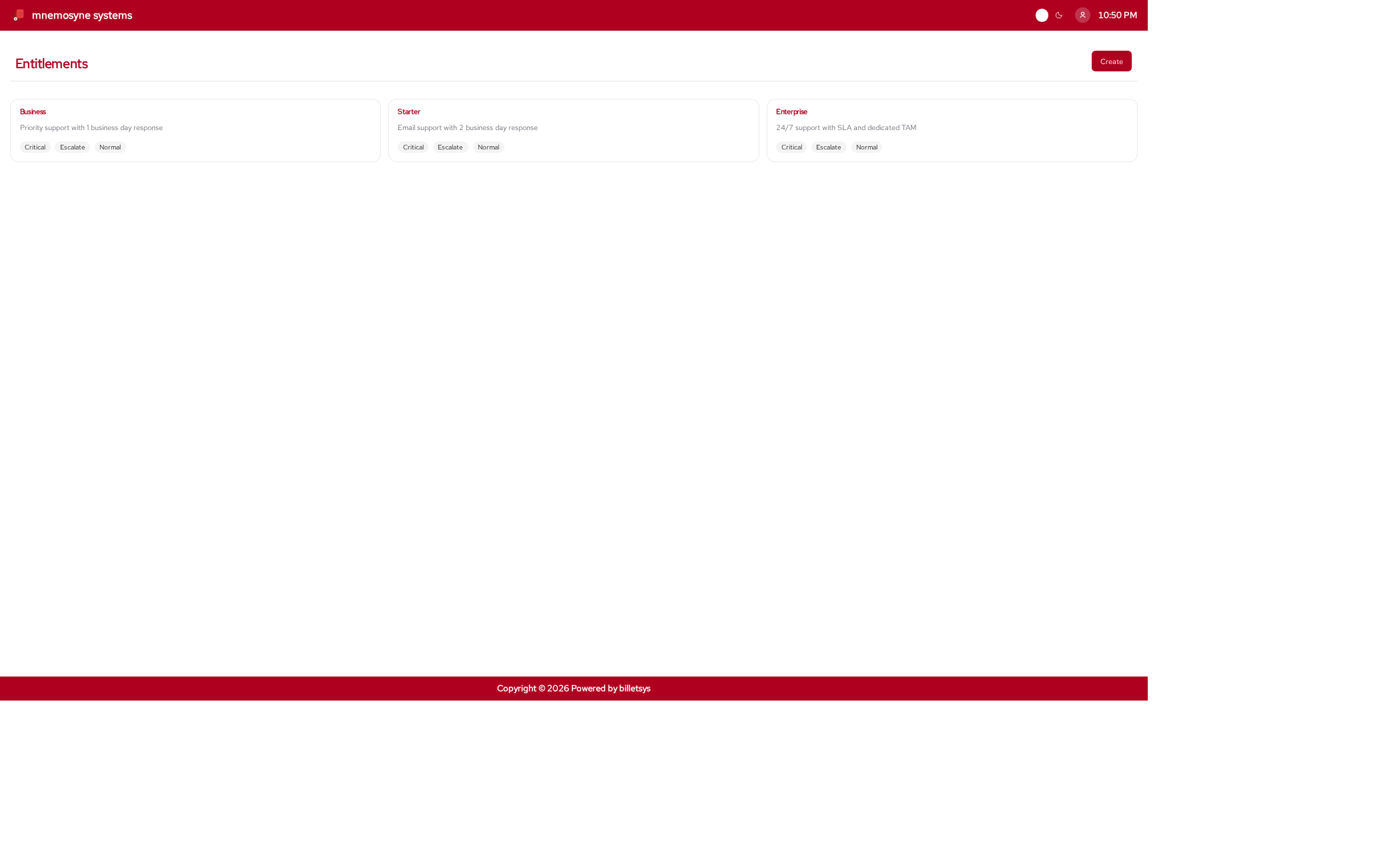
Purpose
Support work is not only about the ticket itself. It also depends on what kind of service relationship exists for the customer. Entitlements provide that context.
They help express what support offering applies to a company and how that offering connects to versions, levels, and ticket handling.
Service structure
Entitlements give billetsys a structured way to describe support arrangements. In practice, they help connect several important pieces:
- The customer company
- The support offering
- Support level information
- Version context
- Ticket eligibility and service scope
This allows the application to represent support not just as ad hoc case handling, but as part of a defined customer relationship.
Company connection
Entitlements are especially important at the company level. They help determine which service context is available for a customer and which support relationship applies when tickets are created.
That means entitlements are part of how billetsys connects customer organizations with the services they receive.
Ticket context
When tickets are created, entitlement information provides additional business and operational context. This helps ensure that ticket handling is understood in relation to the service agreement behind the case.
This is useful for both customer coordination and internal support planning.
Levels and versions
Entitlements also connect naturally to support levels and version information. This allows billetsys to reflect not only that a service exists, but also what form it takes and what product context it applies to.
This relationship makes entitlements an important bridge between account management and technical support workflows.
Operational value
Over time, entitlements help teams answer questions such as:
- What support arrangement applies to this customer
- Which service context belongs to a ticket
- How support offerings differ across companies
This makes entitlements one of the key concepts behind consistent service-aware ticket handling.
Keyboard shortcuts
Like all paginated list views in the application, the entitlements
list supports keyboard shortcuts for quick navigation. You can use
Alt+1 through Alt+0 to open items in the
currently visible list.
On the entitlement form page, the following shortcuts are available
to jump directly to specific fields: * Alt+1: Jump to Name
* Alt+2: Jump to Description
These shortcuts work universally. See the Navigation chapter for more details.
Role perspective
Entitlements are mainly configured and maintained by administrative roles, but their effects are visible throughout the application. Support roles, superusers, TAMs, and ticket creators all benefit from having a clear service context behind the cases they work with.