Users
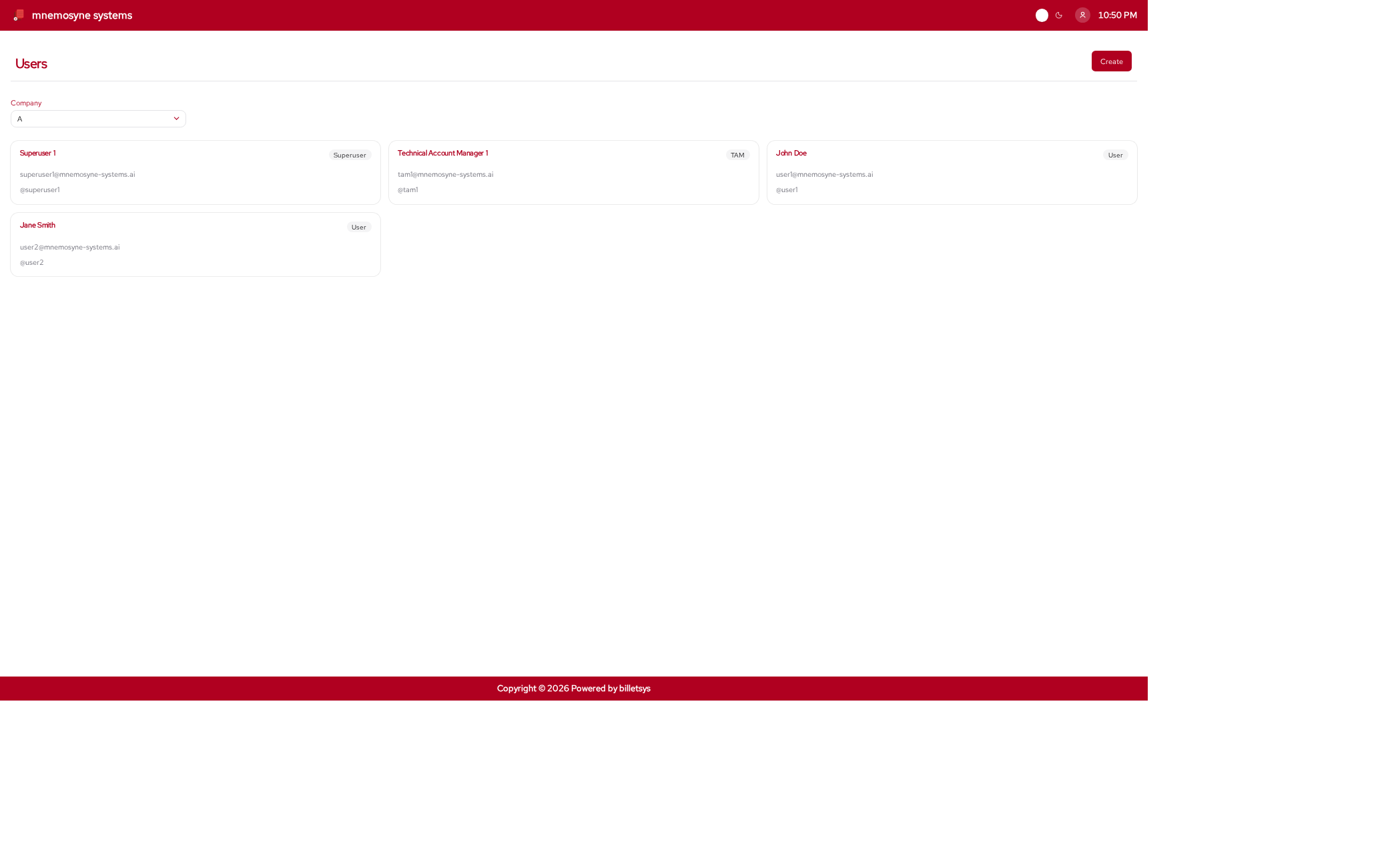
The Users feature manages the individual accounts that access billetsys and participate in support workflows.
Purpose
Every ticket, message, assignment, and role-based view depends on user accounts. The users feature defines who can sign in, what responsibilities they have, and which parts of the application they can access.
Identity and profile
A user account can hold the information needed to identify and contact a person, such as:
- Username
- Full name
- Email address
- Phone information
- Country and timezone
- Role type
This helps billetsys support both authentication and day-to-day communication.
Role assignment
Users are central to the role model of billetsys. Role assignment determines whether a person acts as:
- User
- Superuser
- TAM
- Support
- Admin
- External Contributor
This is one of the most important distinctions in the system because it changes what that person can see and do throughout the application. To help quickly identify a user’s responsibilities, their assigned role is represented by a dedicated, customizable role badge next to their name.
Company relationship
Users are also connected to company context. This makes it possible for billetsys to align people with the organizations they belong to and to scope ticket access and coordination accordingly.
This relationship is especially important for support coordination, customer-side oversight, and account-focused roles.
Profile management
Billetsys supports personal profile maintenance so users can keep their own details current. This helps keep the system useful as both a working tool and a communication platform.
Profile updates are important because email flow, notifications, and coordination all depend on accurate account data.
Password and access
User accounts also carry the authentication layer of the application. Password management and sign-in behavior are therefore part of the same overall user model.
This means the users feature is not only about contact information, but also about secure access to the correct role-specific areas.
Administrative management
From an administrative perspective, the users feature makes it possible to create accounts, assign roles, and keep the system aligned with the real support organization.
This is essential because the quality of the user structure affects almost every other part of billetsys:
- Ticket visibility
- Message authorship
- Assignment workflows
- Reporting scope
- Company coordination
Keyboard shortcuts
Like all paginated list views in the application, the users list
supports keyboard shortcuts for quick navigation. You can use
Alt+1 through Alt+0 to open items in the
currently visible list.
On the user form page, the following shortcuts are available to jump
directly to specific fields (and open dropdowns automatically): *
Alt+1: Jump to Username * Alt+2: Jump to Name
* Alt+3: Jump to Email
Only Alt+1 through Alt+3 are currently
assigned on the user form page.
These shortcuts work universally. See the Navigation chapter for more details.
Why it matters
Without a strong user model, billetsys would only be a ticket container. With structured user accounts and role assignment, it becomes a coordinated support platform where responsibilities, visibility, and communication all follow the same design.